
Removing the screen share tool from a Mac can be very easy. In many cases, all you have to do is drag the application's icon to the Trash.
Uninstalling the Screen Share Tool:
Step 1: Close your browser and quit TheraPlatform from the menu bar by right-clicking and selecting quit. (Move your mouse to the very top of your Mac screen and if you see the little icon of TheraPlatform click on it < then click on "Quit"- See screenshot below:
Step 3: Open Finder.
Step 3: Navigate Application folder and Open the Applications folder
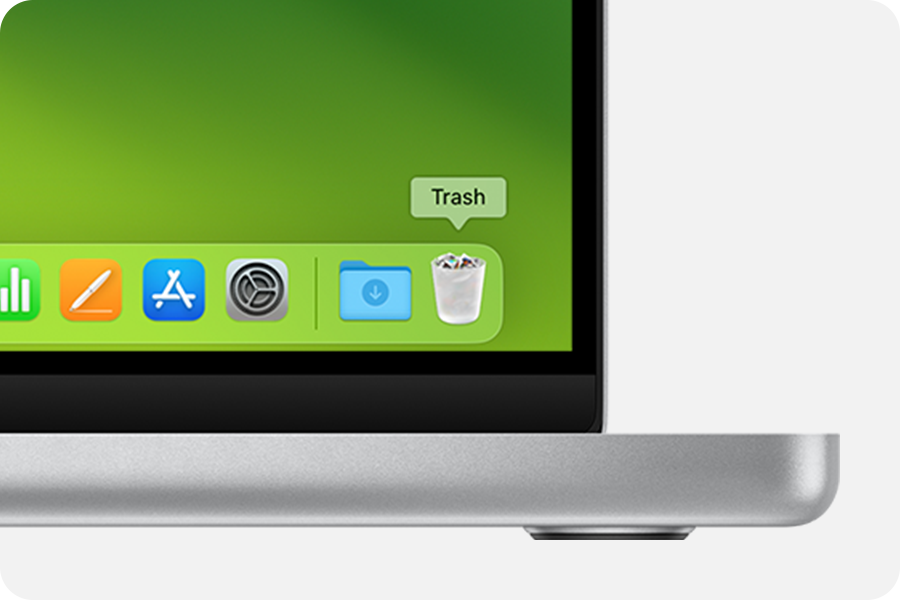
Step 3: Move to Trash: Drag TheraPlatform to the Trash icon in the Dock, or right-click and select "Move to Trash".
Step 4: Empty the Trash. To completely uninstall TheraPlatform screen sharing, click "Empty Trash" in the Finder menu. Or Click on the Trash icon and empty your trash
Comments
0 comments
Article is closed for comments.